Make a Calendar with Your Own Photo
Quick answer
Make a free custom photo calendar in minutes: open the calendar maker, upload your own photo as the background, choose the month and paper size, and download a print-ready PDF.
How to Make a Photo Calendar
- Open the calendar maker and pick monthly or a full year, plus the month and year.
- Upload your photo — a family picture, a travel shot, a pet, or your logo.
- Choose colors and size (US Letter or A4, landscape or portrait).
- Download the PDF and print it at home or at a print shop.
💡
Best photo tip: pick a light image with a quiet center and few busy details, at least 1600px wide. The date grid sits on top, so dark or cluttered photos make the numbers hard to read. See the full background guide, and for paper and printer settings, how to print a photo calendar with free tools.
Photo Calendar Ideas
- Family gift calendar — a different family photo each month.
- Travel calendar — relive a trip with a photo per month.
- Baby or pet calendar — track milestones with a favorite shot.
- Business calendar — your logo and brand color for the office.
Prefer a Ready-Made Design?
If you'd rather not upload a photo, browse our 20 designed templates — seasonal and any-month styles with the same easy download.

Minimalist

Watercolor Wash
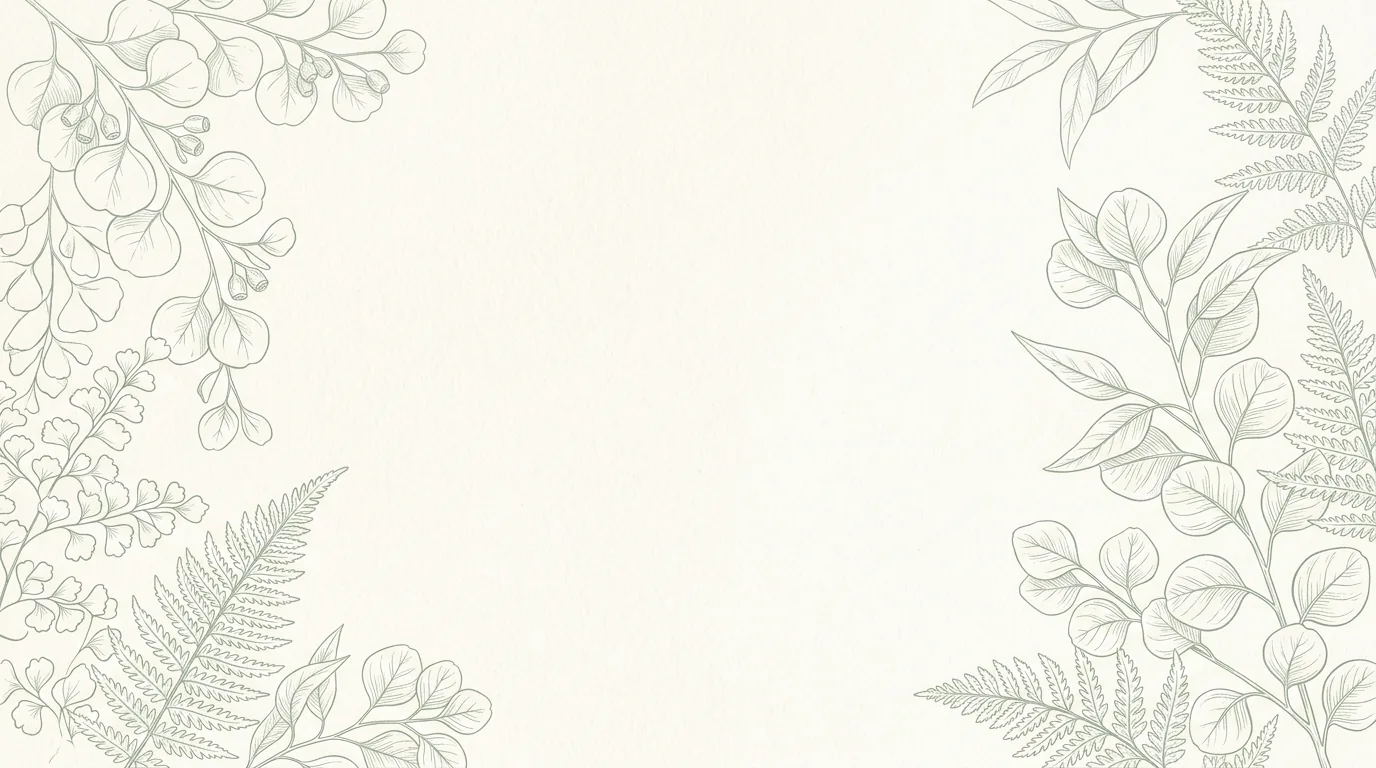
Botanical

Kids' Doodles
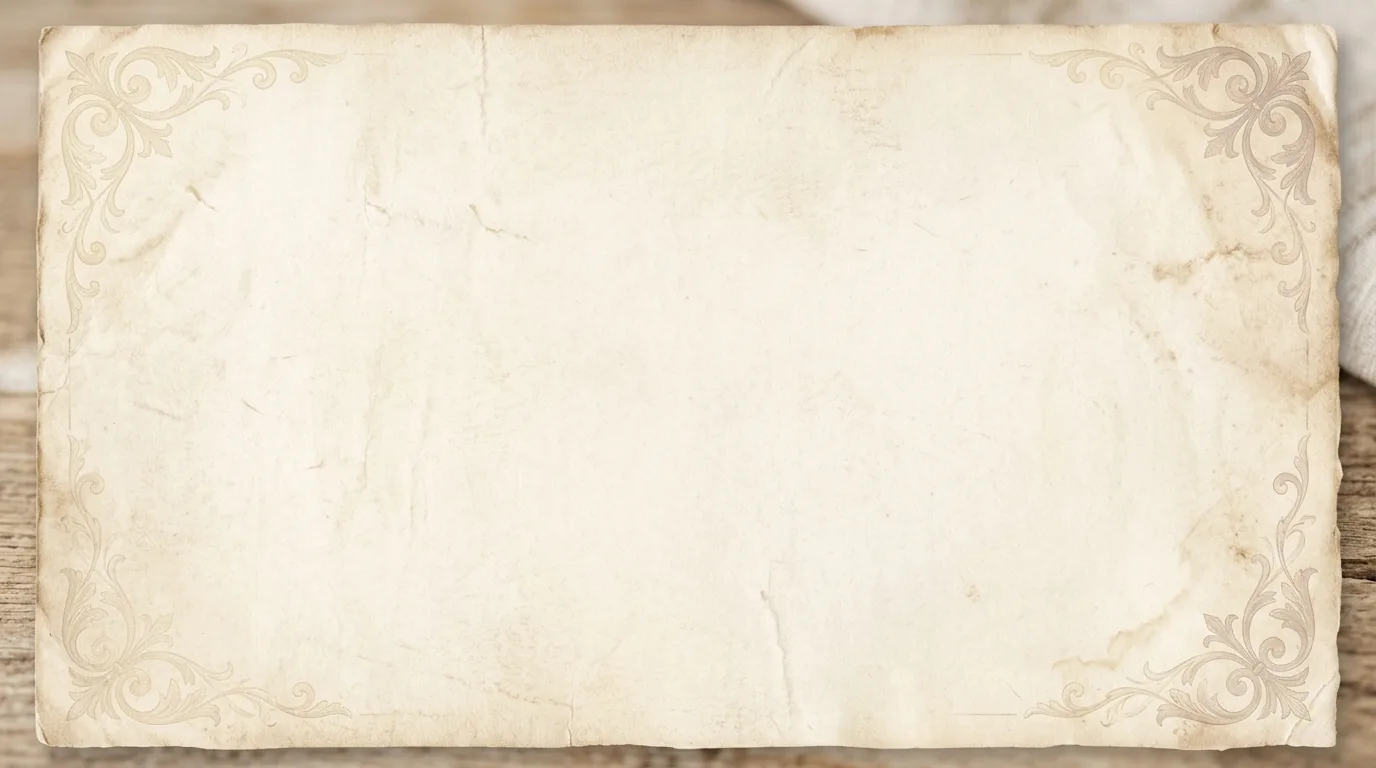
Vintage Paper

Mountain Peaks

Ocean Calm

Night Sky
Photo Calendar FAQ
Can I make a photo calendar for free?
Yes. Upload your own photo in the calendar maker, pick a month and size, and download a print-ready PDF for free with no watermark.
What photo works best for a calendar?
A light image with a calm center and a resolution of about 1600px wide or more. The date grid sits on top, so busy or dark photos make the dates harder to read.
Is my uploaded photo stored?
No. Your photo is used only to build the PDF and is deleted right after. Nothing is kept or shared.
What file types can I upload?
JPG, PNG or WebP up to 12 MB.